Why Upgrade from HDD to SSD? The 10x Speed Factor and Beyond
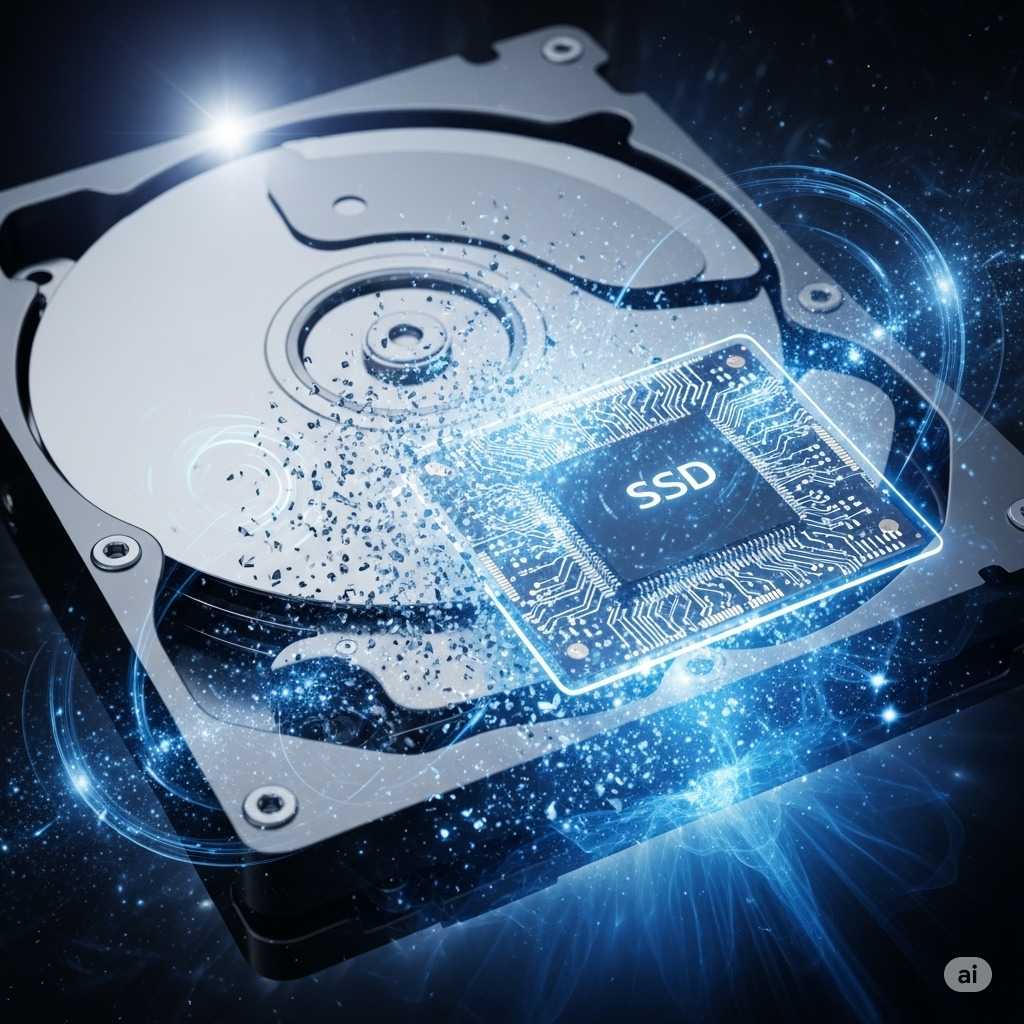
The difference between an HDD and an SSD is like night and day. HDDs use spinning platters and a read/write head, which are mechanical parts that create bottlenecks in data access. SSDs, on the other hand, utilize flash memory, allowing for instantaneous data retrieval. This fundamental difference translates into dramatic performance improvements:
- Blazing Fast Boot Times: While an HDD might take 30-40 seconds or even a minute to boot your operating system, an SSD can do it in as little as 10-15 seconds, a truly noticeable difference every time you power on.
- Rapid Application Loading: Complex applications that take 30-40 seconds to open on an HDD can launch in 10-15 seconds or less with an SSD. Imagine Photoshop or your favorite game loading in a fraction of the time!
- Lightning-Quick File Transfers: HDDs typically transfer data at 30-150 MB/s. Standard SATA SSDs achieve speeds of up to 500 MB/s, and newer NVMe SSDs can reach an astonishing 3,000-3,500 MB/s or more. This means transferring a large file that might take minutes on an HDD could be done in mere seconds on an SSD.
- Improved Reliability and Durability: Because SSDs have no moving parts, they are far more resistant to drops, bumps, and general wear and tear compared to fragile HDDs. This makes them ideal for laptops, where portability increases the risk of physical shock.
- Enhanced Energy Efficiency: SSDs consume less power than HDDs, leading to longer battery life for laptops and reduced electricity consumption for desktops. This also contributes to less heat generation and quieter operation.
- Overall Snappier Performance: From web Browse to multi-tasking, your entire computing experience will feel significantly more responsive and fluid. No more waiting for your computer to catch up!
In essence, upgrading to an SSD can make your laptop or PC feel up to 10 times faster in many common tasks, providing a rejuvenated and frustration-free experience.
Seamless Upgrade with Cloning at Wizkid Computers: No Data Loss, No Reinstallation Headaches!
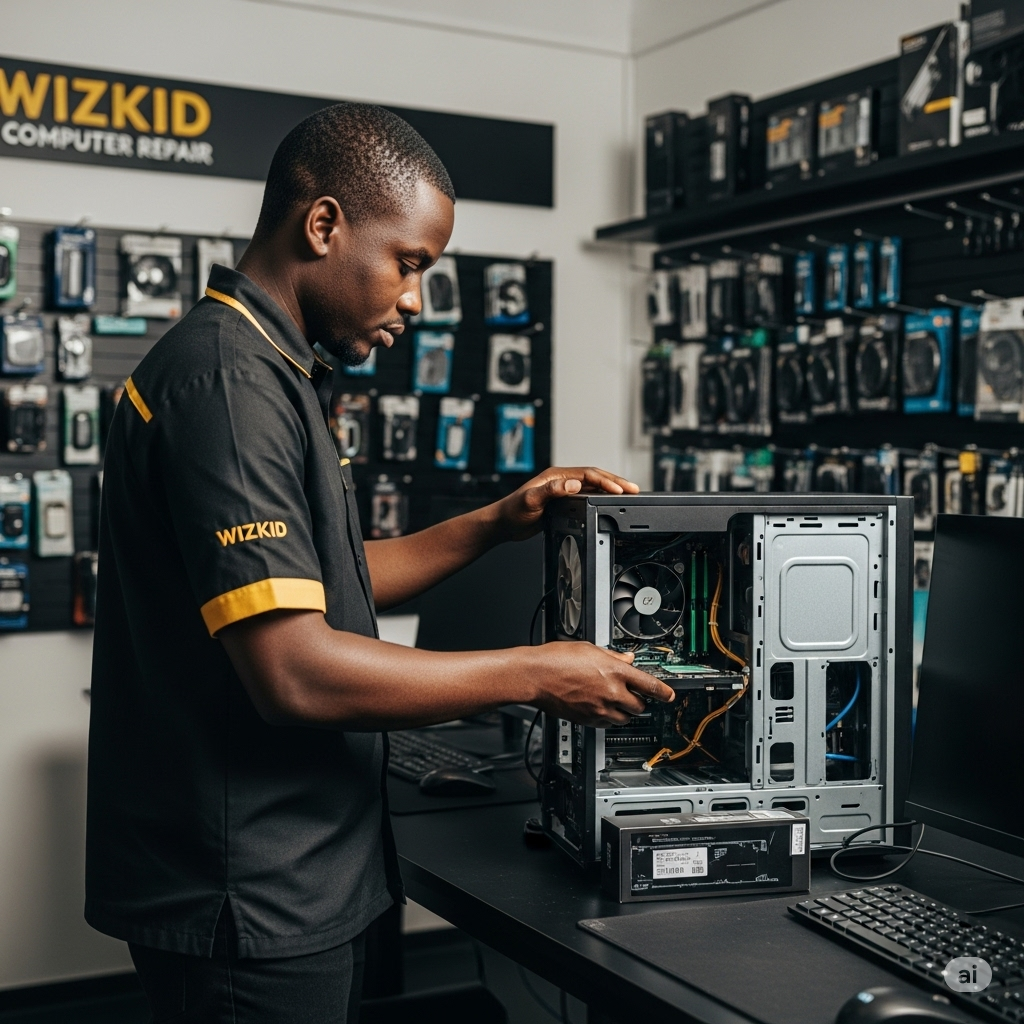
One of the biggest concerns for users considering an upgrade is the hassle of reinstalling their operating system, programs, and transferring all their data. This is where Wizkid Computers excels, offering a seamless and worry-free upgrade process through cloning.
Here’s how Wizkid Computers performs the HDD to SSD upgrade with cloning, ensuring you won’t lose any personal data or applications:
- Initial Assessment and Backup (Precautionary): Before any work begins, the skilled technicians at Wizkid Computers will perform an initial assessment of your current HDD to ensure its health. While cloning is highly reliable, they may also recommend or perform a preliminary backup of your critical data as an extra layer of precaution, giving you complete peace of mind.
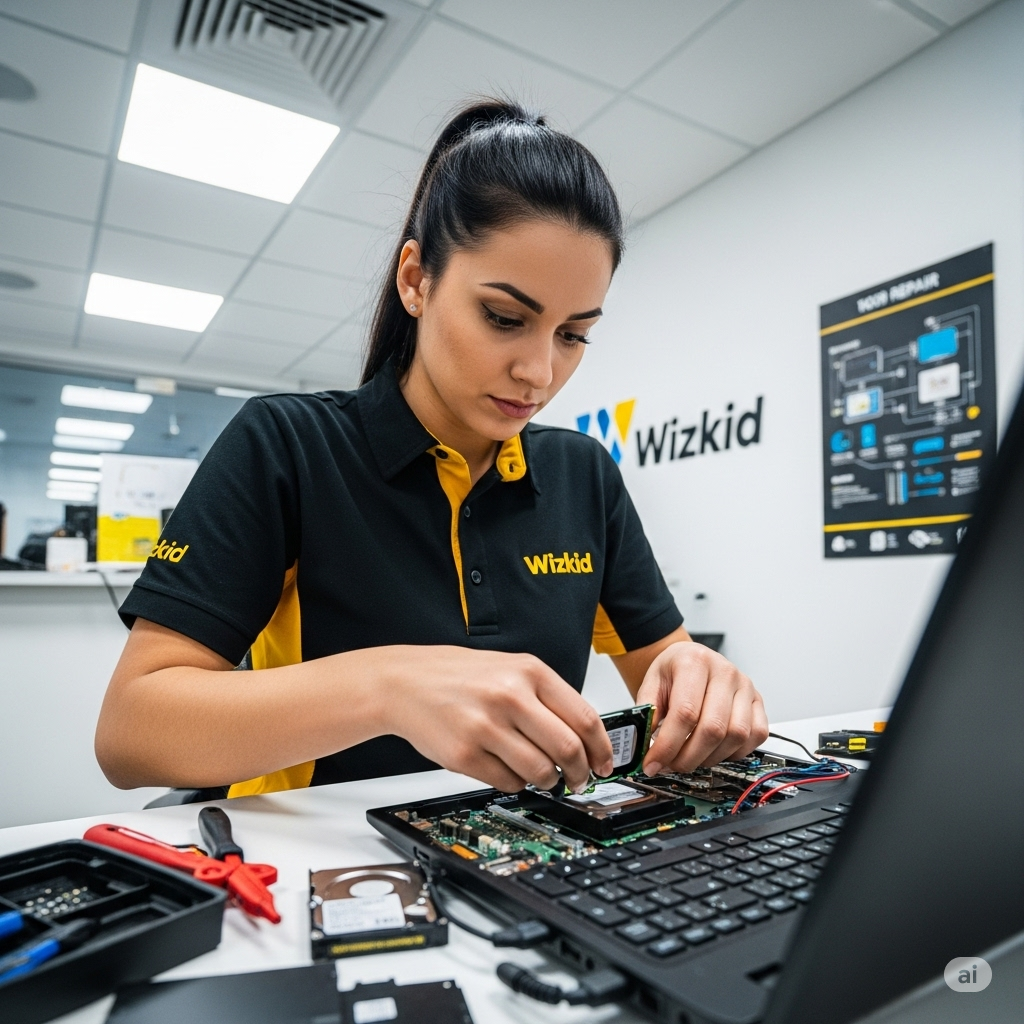
- Connecting the New SSD: The new, high-performance SSD is temporarily connected to your laptop or PC using specialized tools, often a USB-to-SATA adapter or enclosure, allowing both drives to be active simultaneously.
- Utilizing Professional Cloning Software: Wizkid Computers employs industry-standard, robust cloning software. This software is designed to create an exact, sector-by-sector copy of your existing HDD onto the new SSD. This means:
- Operating System: Your Windows or macOS operating system, including all its updates and settings, is perfectly replicated.
- Applications: Every installed program, from your web browser to your photo editing suite and favorite games, is transferred over without the need for reinstallation or re-licensing.
- Personal Data: All your documents, photos, videos, music, and other personal files are copied precisely as they were on your old drive.
- Partition Structure: The layout of your disk, including any existing partitions, is maintained on the new SSD.
- Verification and Optimization: Once the cloning process is complete, technicians will verify the integrity of the cloned data to ensure a perfect transfer. They will also perform necessary optimizations on the new SSD, such as ensuring proper 4K alignment, which is crucial for optimal SSD performance.
- Physical Installation and Testing:
- Your old HDD is carefully removed from your laptop or PC.
- The new, cloned SSD is then securely installed in its place.
- The computer is powered on, and the technicians meticulously test the system to ensure it boots correctly from the new SSD, all applications launch as expected, and all your data is accessible.
- Old HDD Handling: Your old HDD can be returned to you. You can keep it as an additional backup, or Wizkid Computers can securely erase and dispose of it if you prefer.
This meticulous cloning process ensures a smooth, hassle-free transition to a faster computer without the time-consuming and often frustrating task of manually reinstalling everything. You’ll experience the benefits of an SSD immediately, with all your familiar settings and files exactly where you left them.